How to Build a Video-Friendly Run Sheet for Brand Events
Your event run sheet keeps everything on schedule. But does it help your video team capture great footage?
Most run sheets focus on logistics. They cover venue access, catering times, and speaker schedules. They don’t include the details video teams need to film your event properly.
A video-friendly run sheet is different. It includes precise timing, visual cues, camera positions, and key moments worth capturing. This guide shows you how to create run sheets that help video teams plan their coverage and deliver polished content that matches your brand.
Table of Contents
- Why Standard Run Sheets Don’t Work for Video Teams
- What to Include in a Video-Friendly Run Sheet
- How to Structure Your Run Sheet
- Working with a Video Production Company in Singapore
Why Standard Run Sheets Don’t Work for Video Teams
Standard run sheets focus on operations. They list arrival times, vendor contacts, and AV handoffs. But they miss the visual and technical details video teams need.
Event planners document what happens and when. Video teams need more. They need to know:
- Where subjects will be positioned
- Which emotional moments to capture
- How lighting will change between segments
- Which moments need close-up coverage
- Which shots work better as wide angles
The run sheet is where brand event video production is won or lost before doors open.
Without these details, videographers arrive unprepared. They miss critical footage or waste time asking questions that should have been answered beforehand.
What Event Planners Include vs What Video Teams Need
Event planners list segment titles, speaker names, and rough timings. Video teams need exact start times, buffer periods, entrance paths, and audience reaction opportunities.
A typical run sheet might say "keynote speech, 20 minutes". But it won’t specify:
- Will the speaker move around the stage?
- Are there slides that need screen capture?
- Will they interact with the audience?
All these details determine camera positioning and shot variety.
Production teams also need to know about visual transitions:
- Will lights dim between segments?
- Will video playback require camera repositioning?
- Are there product reveals or award handoffs?
- Do panel discussions need multiple angles?
These visual cues turn a basic schedule into a proper shot list blueprint.
What to Include in a Video-Friendly Run Sheet
A video-friendly run sheet needs specific information:
Timing Details
- Precise segment start and end times
- Buffer periods for transitions
- Notes on scripted timing for key moments
Visual Information
- Detailed descriptions of visual activities
- Talent positioning and movement patterns
- Key moments requiring specific coverage
- Audio cues that signal shot changes
Technical Notes
- Lighting or staging adjustments
- Camera setting requirements
- Equipment positioning needs
Each segment should answer these questions:
- What will the video team see?
- Where will subjects be positioned?
- Which moments carry emotional weight or brand significance?
- What supplementary footage opportunities exist during transitions?
Timing and Segment Breakdowns
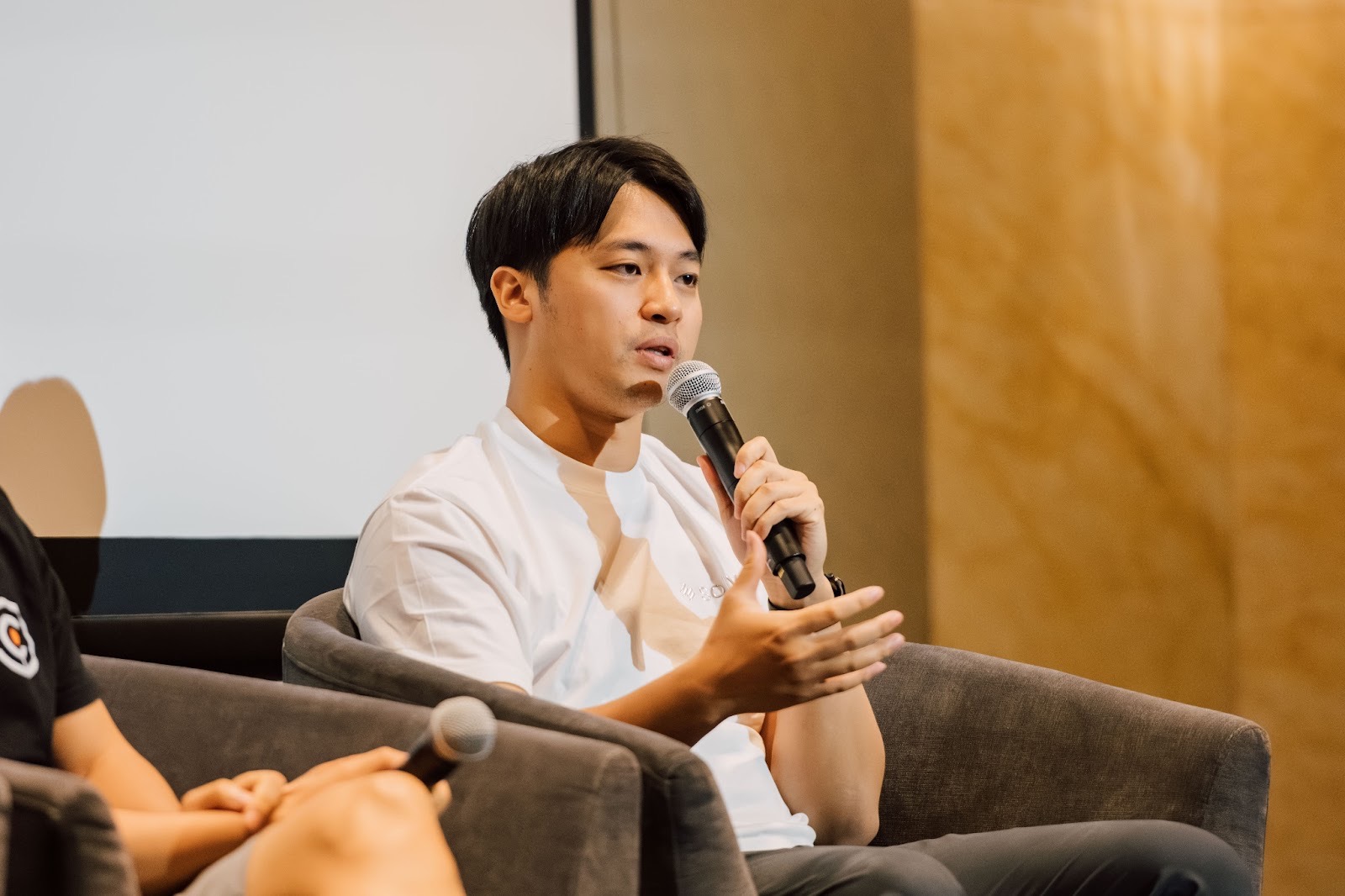
Video teams need exact timing. Not approximate ranges.
Instead of this: "Panel discussion, 30-45 minutes"
Write this: "Panel discussion, 10:15 AM to 10:45 AM, with 5-minute buffer for audience Q&A if time permits"
Include transition periods: "Stage reset, 5 minutes. Opportunity for wide venue shots and audience candids."
Note any scripted timing for:
- Product reveals
- Video playback
- Synchronised moments that can’t be captured twice
For corporate events with multiple speakers:
- List each speaker’s time individually
- Flag whether they’ll use a podium, walk the stage, or interact with screens
This precision helps camera operators:
- Plan battery changes
- Adjust positions between segments
- Coordinate with audio teams on microphone handoffs
Visual Cues and Key Moments
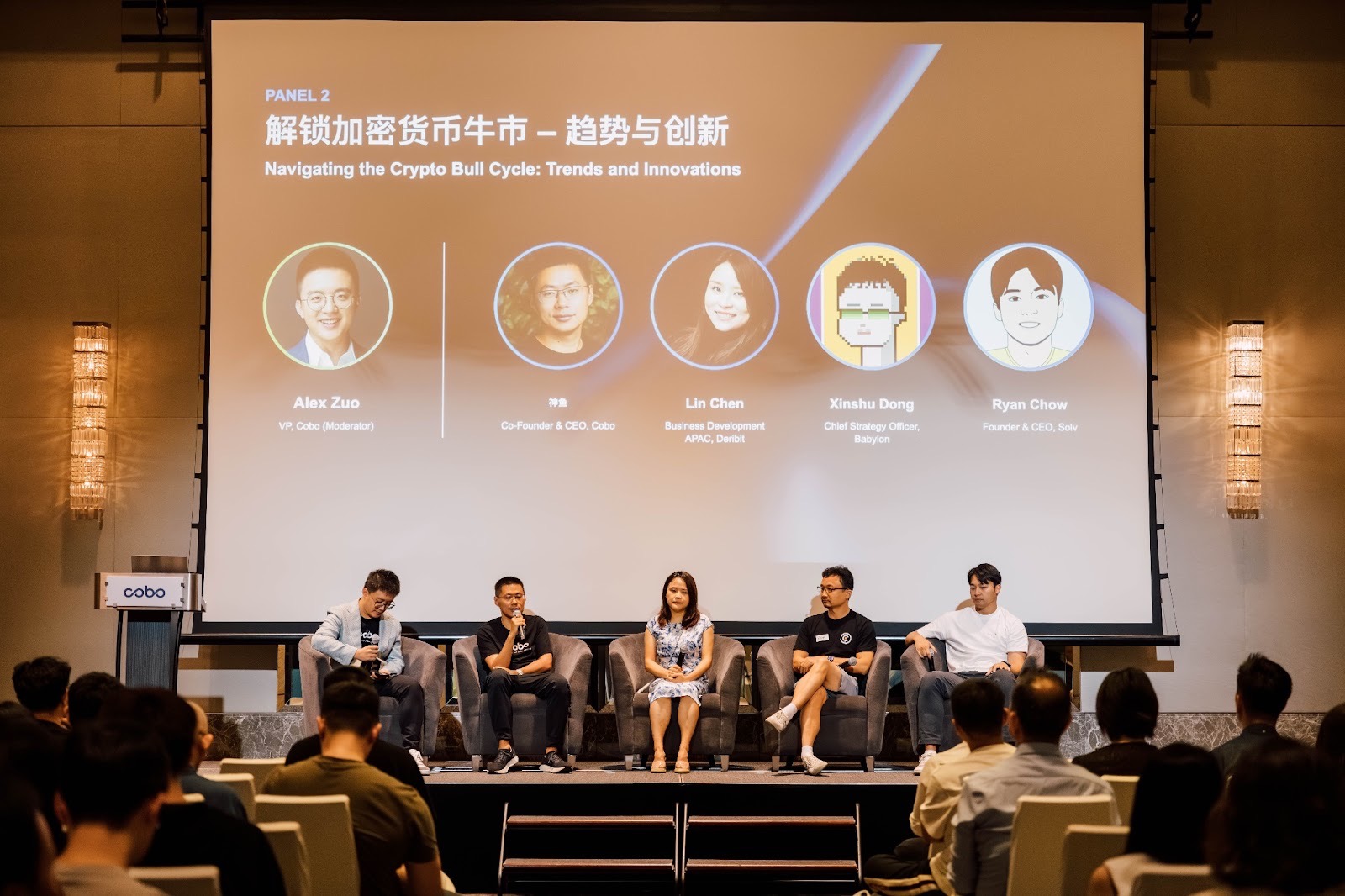
Identify moments that carry brand value or emotional impact:
- The CEO’s opening statement
- Audience reactions during product demos
- Award recipient expressions
- Panel moments where experts disagree or build on each other’s points
Note physical actions that need close-up coverage:
- Cutting a ribbon
- Unveiling a display
- Handing off a microphone
Build the run sheet around what to film at events — the must-have moments come first.
Flag segments where audience coverage matters:
- Applause
- Laughter
- Attentive listening during key messages
Include branding opportunities:
- Branded backdrops
- Signage
- Product displays for B-roll
For panels or interviews, specify seating arrangements. Video teams need to know which angles will capture all participants without obstructions.
These visual priorities guide shot list development. They ensure your video team focuses coverage on moments that matter most in the final edit.
How to Structure Your Run Sheet
Use a clear format with separate sections for:
- Timing
- Activity description
- Talent and participants
- Location and stage area
- Production notes
Make your run sheet easy to scan. Video teams shouldn’t have to dig through paragraphs to find coverage priorities.
Group related segments together. Indicate which portions need continuous coverage versus selective highlights.
Include a column specifically for camera notes. Add positioning suggestions, shot priorities, or coverage requests here.
This approach transforms your run sheet from a linear schedule into a visual planning document.
Camera Position and Coverage Notes
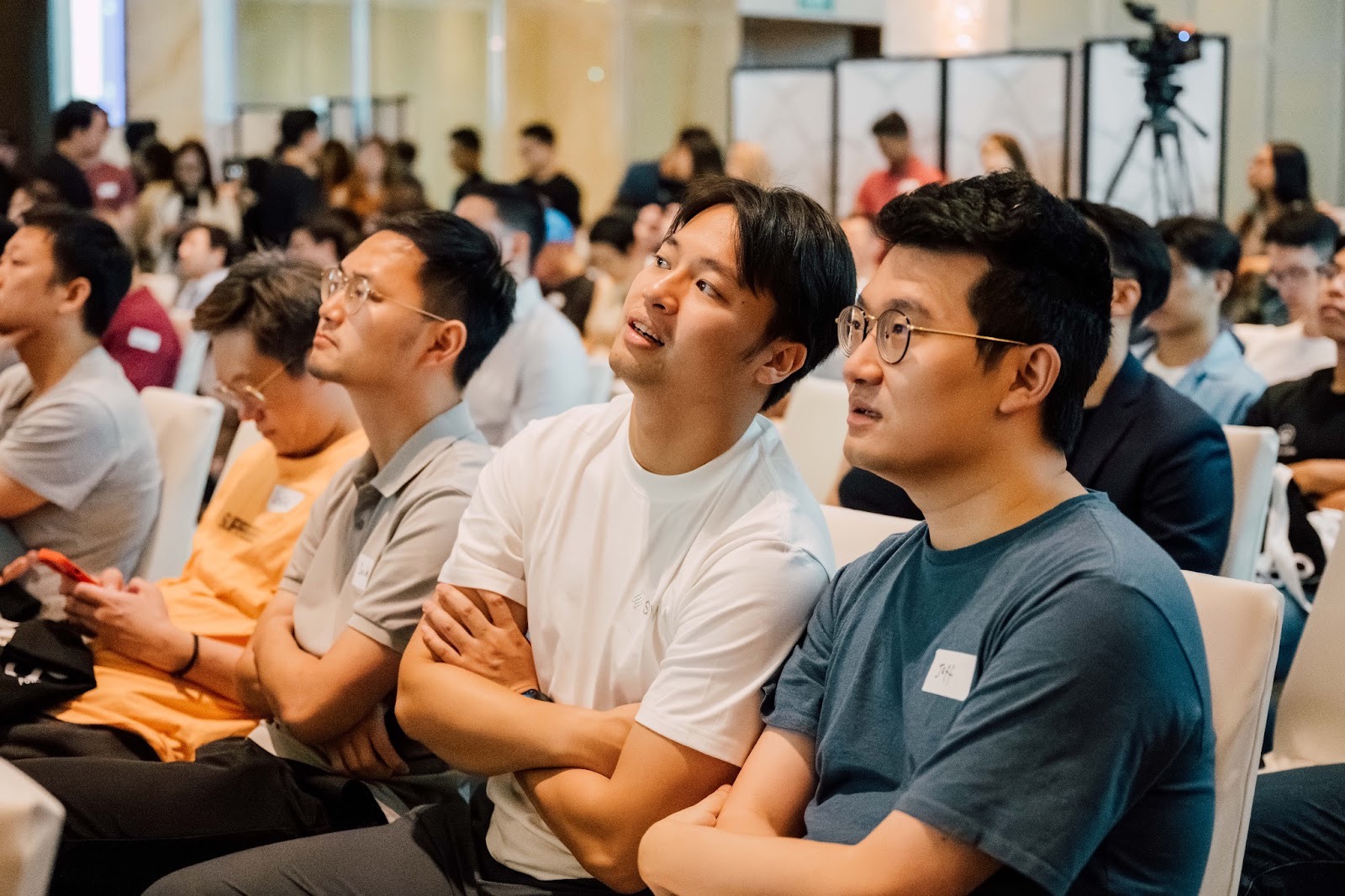
Specify where key action will take place on stage:
- Centre
- Stage left
- Audience-facing
- Roaming
Video teams can then plan optimal camera positions before the event starts.
Note if segments benefit from multiple angles. A panel discussion might need:
- A wide shot capturing all participants
- Individual close-ups for reaction shots
Flag moments requiring different coverage types:
- Front-of-room coverage
- Side angles
- Back-of-room crowd shots
Include notes about stage access:
- Can cameras move freely during segments?
- Must they remain stationary?
- Are there restricted zones or VIP areas?
- Does filming require special coordination in certain areas?
These details prevent last-minute scrambling. They ensure your video team can position equipment efficiently.
B-Roll and Supplementary Footage
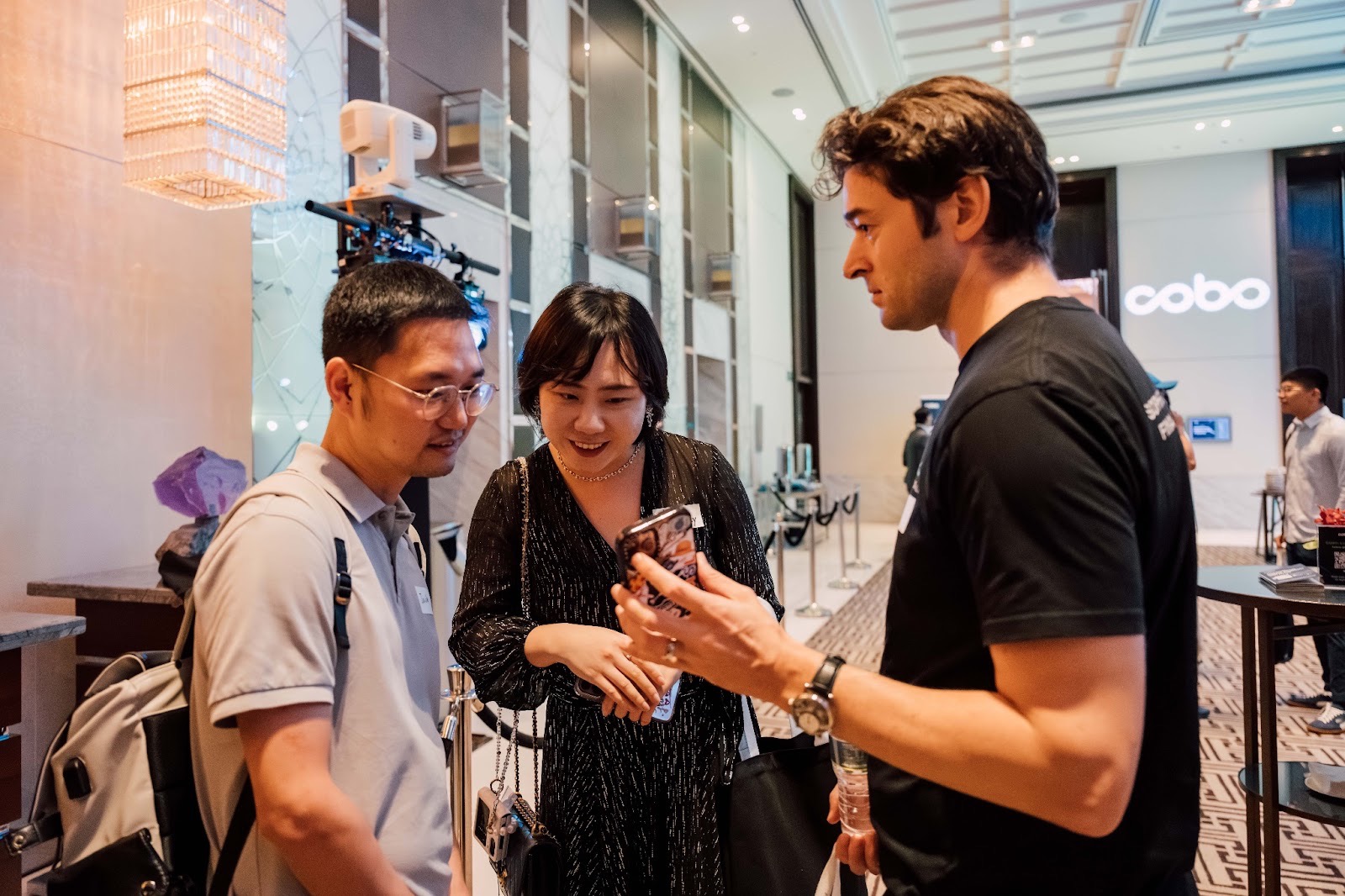
Identify moments when primary coverage isn’t critical but supplementary footage adds value:
- Guests arriving and networking
- Venue setup before doors open
- Catering displays
- Branded materials and signage
- Behind-the-scenes preparation
- Post-event conversations
Note transition periods between segments. Camera operators can capture:
- Venue details
- Audience interactions
- Environmental shots that establish location and atmosphere
For corporate events, flag branding elements for the final video:
- Logo placements
- Product displays
- Marketing collateral
Specify if certain B-roll must be captured at specific times. This matters for lighting conditions or access restrictions.
This guidance helps production teams maximise footage variety without disrupting the event flow. It gives editors diverse material for pacing and storytelling in post-production.
Working with a Video Production Company in Singapore
Share your video-friendly run sheet during pre-event planning. Ideally, do this 2-3 weeks before your event.
Professional production companies use this document to:
- Develop shot lists
- Assign camera coverage
- Identify logistical challenges
Share the final run sheet with your event video coverage team at least a week out.
Schedule a venue walkthrough with your production team. This allows you to:
- Verify camera positions
- Test technical setups
- Align on your brand’s visual goals
This collaborative approach ensures nothing gets missed on event day.
Epitome Collective specialises in corporate video production and event coverage across Singapore. We work with event planners to transform detailed run sheets into compelling brand stories.
Whether you’re planning a product launch, conference, or activation, our video production services bridge the gap between event logistics and production excellence.